Pin Up Payment Methods: How to Deposit & Withdraw in India
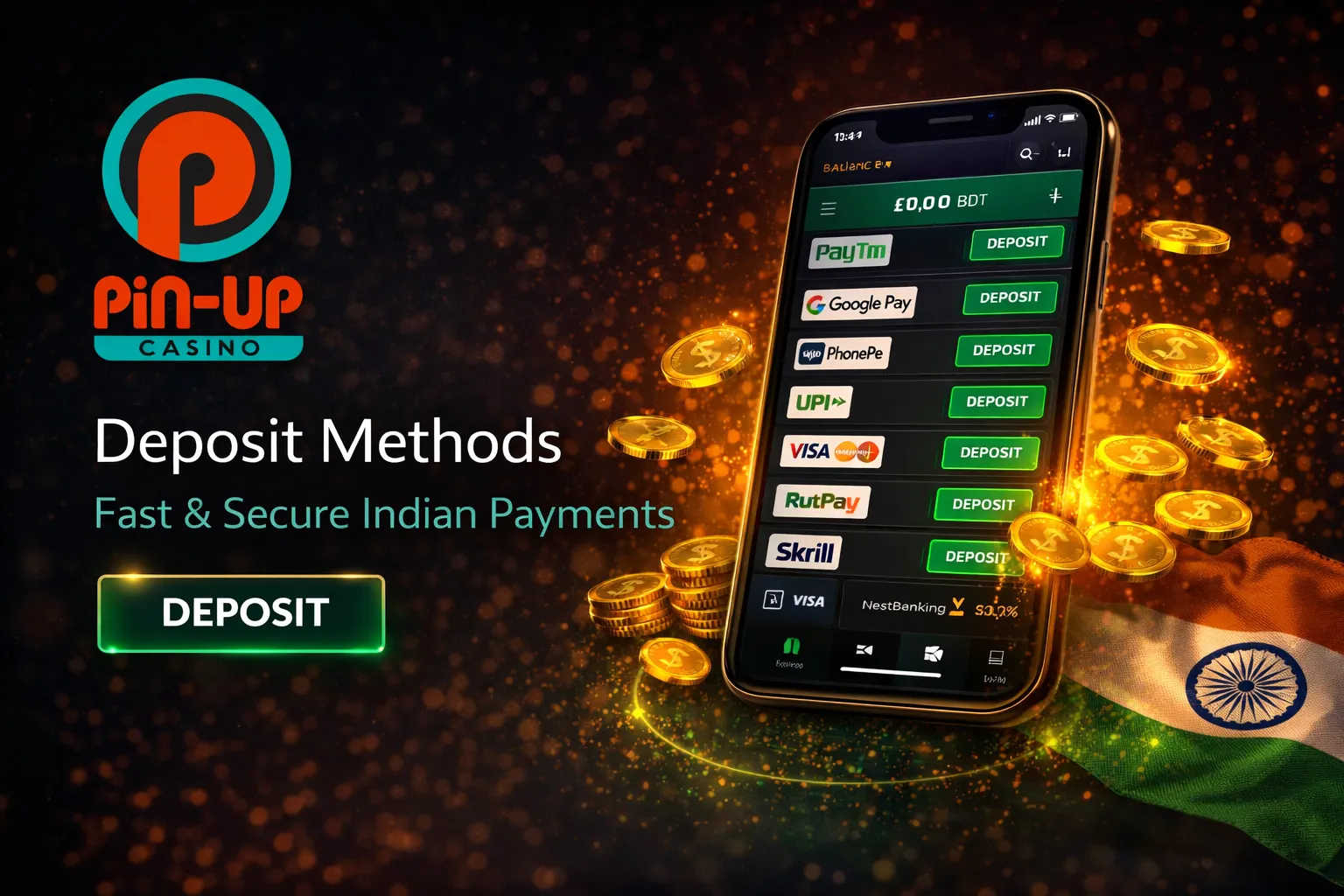
Complete guide to all Pin Up Casino deposit and withdrawal methods for Indian players — UPI, Paytm, PhonePe, Google Pay, Visa, Mastercard, NetBanking, and cryptocurrency. Zero platform fees, step-by-step instructions, and troubleshooting.
Complete List of Payment Methods
Pin Up Casino supports a comprehensive selection of payment methods tailored specifically for Indian players. All transactions on the platform carry zero commission from Pin Up's side — meaning the amount you deposit is exactly the amount that appears in your casino balance, and the amount you withdraw is exactly what arrives in your account (minus any fees your bank or payment provider may charge independently).
| Method | Type | Deposit Min | Deposit Max | Withdrawal Min | Withdrawal Max/Day | Deposit Speed | Withdrawal Speed | Platform Fee |
|---|
| UPI | Bank transfer | ₹300 | ₹360,000 | ₹500 | ₹60,000 | Instant | 1–24 hours | 0% |
| Paytm | E-wallet | ₹300 | ₹360,000 | ₹500 | ₹60,000 | Instant | 1–24 hours | 0% |
| PhonePe | E-wallet | ₹300 | ₹360,000 | ₹500 | ₹60,000 | Instant | 1–24 hours | 0% |
| Google Pay | E-wallet | ₹300 | ₹360,000 | ₹500 | ₹60,000 | Instant | 1–24 hours | 0% |
| Visa | Bank card | ₹400 | ₹360,000 | ₹1,000 | ₹60,000 | Instant | 1–5 business days | 0% |
| Mastercard | Bank card | ₹400 | ₹360,000 | ₹1,000 | ₹60,000 | Instant | 1–5 business days | 0% |
| AstroPay | E-wallet | ₹300 | ₹360,000 | ₹500 | ₹60,000 | Instant | 1–24 hours | 0% |
| Jeton | E-wallet | ₹300 | ₹360,000 | ₹500 | ₹60,000 | Instant | 1–24 hours | 0% |
| Netbanking | Bank transfer | ₹400 | ₹360,000 | ₹1,000 | ₹60,000 | Instant | 1–3 business days | 0% |
| Bitcoin (BTC) | Crypto | ~₹500 | Varies | ₹1,200 | Varies | 1–5 min (1–3 confirmations) | 1–3 hours | 0% |
| Ethereum (ETH) | Crypto | ~₹500 | Varies | ₹1,200 | Varies | 1–5 min | 1–3 hours | 0% |
| USDT (TRC-20) | Crypto | ~₹500 | Varies | ₹1,200 | Varies | ~1 min | ~1 hour | 0% |
| Litecoin (LTC) | Crypto | ~₹500 | Varies | ₹1,200 | Varies | 1–5 min | 1–3 hours | 0% |
| Dogecoin (DOGE) | Crypto | ~₹500 | Varies | ₹1,200 | Varies | 1–5 min | 1–3 hours | 0% |
| Binance Pay | Crypto | ~₹500 | ₹265,000 | ₹1,200 | Varies | Instant | 1–3 hours | 0% |
Note: Cryptocurrency minimum deposits are approximate INR equivalents based on current exchange rates. Actual minimum amounts are set in the respective cryptocurrency. Crypto deposits are automatically converted to INR at the current rate and credited in rupees.
How to Make a Deposit at Pin Up
The deposit process is straightforward and takes less than 2 minutes. Here is a step-by-step guide:
- 1
Step 1: Log in to your Pin Up account. Access the website or open the Pin Up app on your mobile device. If you do not have an account yet, you will need to
register first.
- 2
Step 2: Open the Cashier. Click the "Deposit" button — on desktop, this is typically located in the top right corner of the screen next to your balance. In the app, tap the wallet icon or navigate to the Cashier section through the menu.
- 3
Step 3: Select your payment method. You will see a list of all available payment options. Click the logo or name of the method you want to use (for example, UPI, Paytm, or Bitcoin).
- 4
Step 4: Enter the deposit amount. Type the amount you wish to deposit. Ensure it meets the minimum requirement for your chosen method (₹300 for UPI/e-wallets, ₹400 for cards). If this is your first deposit and you want to claim the
welcome bonus, consider depositing ₹2,000 or more to qualify for the 250 free spins, and deposit within the first hour after registration to get 120% instead of 100%.
- 5
Step 5: Complete the payment.
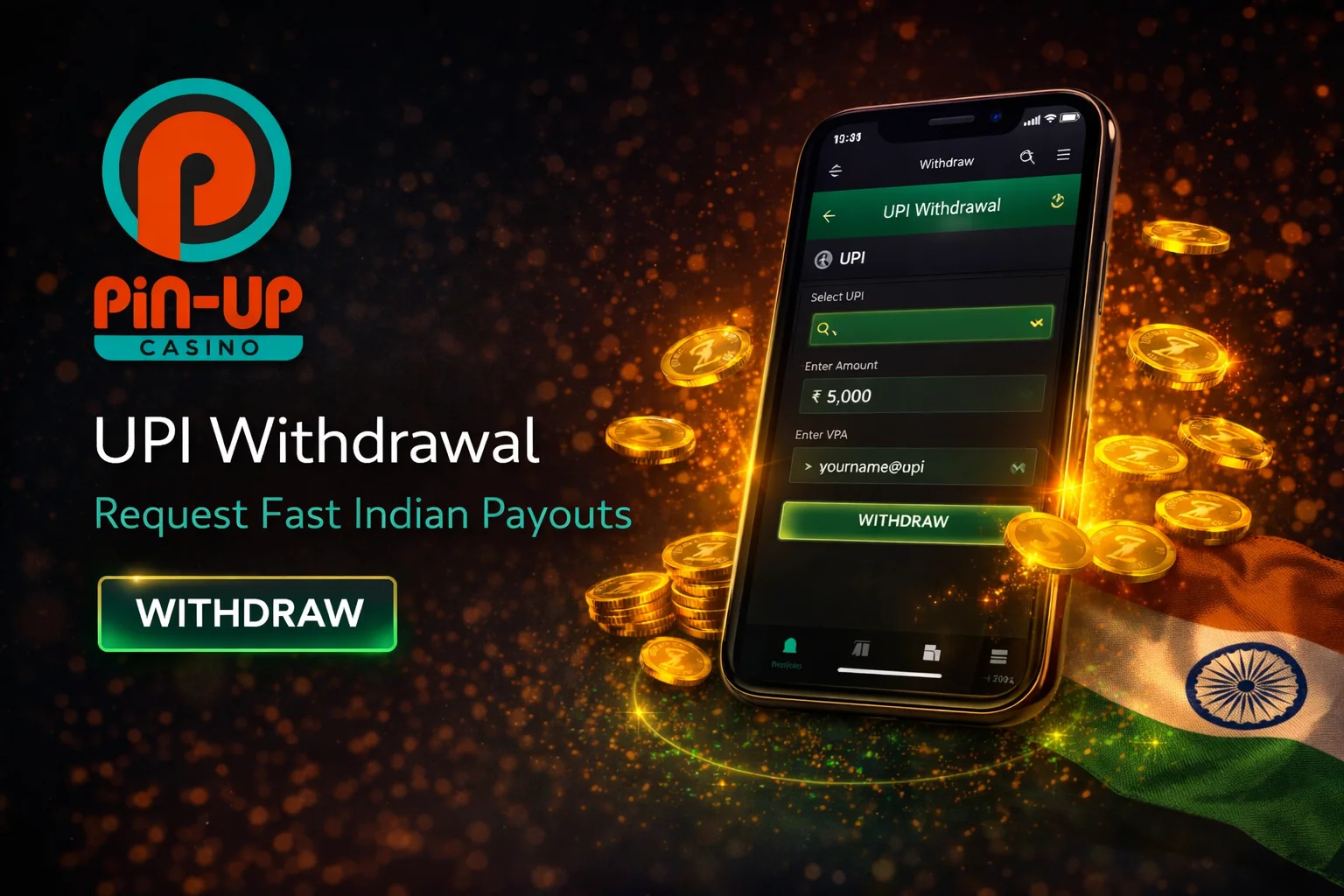
For UPI: You will be given a UPI ID or a QR code. Open your UPI app (Google Pay, PhonePe, Paytm, or BHIM), select "Send Money" or "Pay," enter the UPI ID or scan the QR code, confirm the amount, and authorise the payment with your UPI PIN. The funds appear in your Pin Up balance within seconds.
For Paytm/PhonePe/Google Pay: You are redirected to the respective app or payment page. Follow the on-screen instructions to confirm the payment.
For bank cards (Visa/MC): Enter your card number, expiry date, CVV, and cardholder name. You may be asked to complete 3D Secure verification through your bank (OTP sent to your registered mobile number).
For cryptocurrency: Pin Up will display a wallet address and a QR code for the selected cryptocurrency. Open your crypto wallet, send the amount to the displayed address, and wait for network confirmations (1–3 confirmations depending on the coin). The funds will appear in your account in INR once confirmed.
- 6
Step 6: Verify the deposit. Check your Pin Up balance to confirm the funds have been credited. For UPI and e-wallets, this is typically instant. For bank cards, it may take up to 5 minutes. For crypto, wait for the required network confirmations.
Important rules:
• The payment account (UPI ID, Paytm wallet, bank card, etc.) must be registered in your name — the same name as on your Pin Up account. Depositing from a third-party account (your spouse's card, friend's Paytm, etc.) violates Pin Up's terms and can result in your account being frozen.
• If this is your first deposit, remember to enter a promo code before depositing if you want the enhanced bonus.
How to Withdraw Money from Pin Up
Pin Up withdrawal requests are available after completing KYC verification. If you have not yet verified your account, visit our registration page for a guide on submitting your documents.
- 1
Step 1: Open the Cashier. Log in and navigate to the Cashier or Withdrawal section.
- 2
Step 2: Select your withdrawal method. Pin Up requires you to withdraw to the same method you used for your most recent deposit. This is a standard anti-money-laundering requirement in the online gambling industry. If the original deposit method does not support withdrawals (rare), you will need to complete full KYC and contact support for an alternative method.
- 3
Step 3: Enter the withdrawal amount. Type the amount you wish to withdraw. Ensure it meets the minimum for your method (₹500 for UPI/e-wallets, ₹1,000 for bank cards, ₹1,200 for crypto). The standard daily withdrawal limit is ₹60,000 for non-VIP accounts. If you need to withdraw more, the amount will be processed in daily instalments.
- 4
Step 4: Enter your payment details.
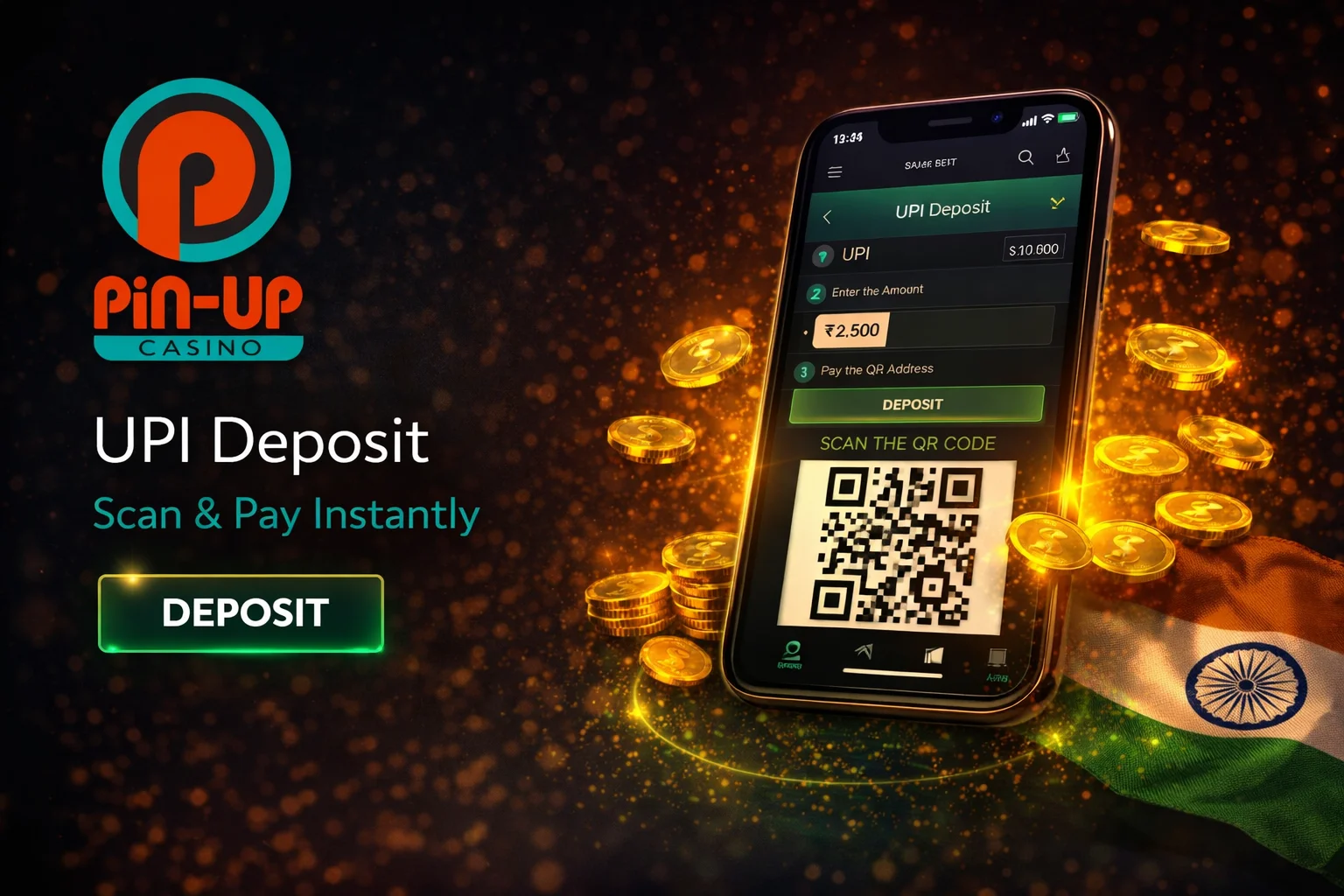
For UPI: Enter your UPI ID (for example, yourname@oksbi or yourname@paytm)
For Paytm/PhonePe: Enter your registered mobile number or wallet ID
For bank cards: The withdrawal goes back to the card you deposited from (no additional details needed in most cases)
For crypto: Enter your wallet address — double-check this carefully, as crypto transactions are irreversible
- 5
Step 5: Confirm the withdrawal. Review the details and click "Confirm" or "Withdraw." You will receive a confirmation notification.
Processing times:
- ✓
UPI and e-wallets: 15 minutes to 24 hours (most are processed within a few hours)
- ✓
Bank cards (Visa/MC): 1 to 5 business days (depends on your bank's processing)
- ✓
Cryptocurrency: 1 to 3 hours (USDT on TRC-20 is typically the fastest, often under 1 hour)
- ✓
First-time withdrawals: May take up to 72 hours due to KYC processing
My personal experience: my fastest UPI withdrawal took 45 minutes from request to funds in my bank account. The typical time has been 3–6 hours. Card withdrawals have consistently taken 2–3 business days.
UPI, Paytm & PhonePe — Best Choice for Indian Players
For Indian players, Pin Up UPI payments are the clear winner in terms of convenience, speed, and cost. Here is why:
- ✓
Instant deposits: When you pay through UPI, the funds appear in your Pin Up balance within seconds. There is no processing delay, no manual review, and no hold period. You can be playing your first game within 60 seconds of initiating a deposit.
- ✓
Fast withdrawals: While not technically "instant," UPI withdrawals at Pin Up typically process within a few hours. This is significantly faster than the 1–5 business days that bank card withdrawals can take.
- ✓
Zero fees on both ends: Pin Up charges 0% commission, and UPI transactions within India are free for most users on apps like Google Pay, PhonePe, and Paytm. This means you keep 100% of your deposits and withdrawals.
- ✓
Familiar and trusted: If you already use UPI for everyday payments — groceries, bills, online shopping — then depositing at Pin Up feels exactly the same. The interface, the PIN entry, the instant confirmation notification — everything works as you expect.
- ✓
Wide bank support: UPI works with virtually every bank in India, including SBI, HDFC, ICICI, Axis, Kotak, PNB, Bank of Baroda, and hundreds more. If you have a bank account with a linked debit card, you can use UPI.
- ✓
Transaction limits: Most banks allow UPI transactions up to ₹100,000 per transaction. Some banks (SBI, HDFC) support up to ₹200,000. This is more than sufficient for the vast majority of casino deposits.
Cryptocurrency Deposits and Withdrawals
Pin Up supports five cryptocurrencies: Bitcoin (BTC), Ethereum (ETH), USDT (TRC-20), Litecoin (LTC), and Dogecoin (DOGE). For players with Binance accounts, Binance Pay is also available for quick crypto transfers.
Advantages of crypto at Pin Up:
- ✓
Fastest withdrawals: Crypto withdrawals are typically the quickest method available, often completing within 1–3 hours. USDT on the TRC-20 network is particularly fast, with most transactions finalising in under 1 hour.
- ✓
Higher anonymity: Crypto transactions do not pass through traditional banking channels, which some players prefer for privacy.
- ✓
No bank interference: In India, some banks occasionally flag or block transactions to offshore gambling sites. Crypto bypasses this entirely.
How crypto deposits work:
- 1
Select your cryptocurrency in the Pin Up cashier
- 2
Pin Up displays a deposit wallet address and QR code
- 3
Open your crypto wallet (Trust Wallet, MetaMask, Binance, WazirX, etc.)
- 4
Send the desired amount to the displayed address
- 5
Wait for network confirmations (1–3 depending on the blockchain)
- 6
The amount is converted to INR at the current exchange rate and credited to your balance
Important considerations:
- !
The minimum crypto deposit is approximately ₹500 equivalent
- !
The minimum crypto withdrawal is ₹1,200 equivalent
- !
Pin Up does not charge fees, but blockchain network fees apply (gas fees for Ethereum can be significant during high-traffic periods; TRC-20 USDT has the lowest fees)
- !
Always double-check the wallet address before sending — crypto transactions cannot be reversed
- !
Crypto deposits are converted to INR automatically; your account balance and game bets are in rupees
Withdrawal Limits and VIP Benefits
Standard accounts have a daily withdrawal limit of ₹60,000. For players who need to withdraw larger amounts, the funds are processed in daily instalments of ₹60,000 until the full amount is disbursed.
VIP players benefit from significantly increased limits. As you advance through Pin Up's 9-tier Pincoins loyalty programme, your daily and monthly withdrawal ceilings increase. Higher-tier VIP players also receive priority processing for their withdrawal requests, which means shorter wait times.
For large withdrawals exceeding ₹500,000, Pin Up may request additional documentation (source-of-funds verification) as part of their anti-money-laundering compliance. This is standard practice across licensed platforms.
Troubleshooting Payment Issues
Deposit not credited despite successful payment:
First, check your payment app (UPI, Paytm, etc.) to confirm the money was actually debited from your account. If the payment went through but the funds have not appeared in your Pin Up balance after 10 minutes, contact support via live chat with the following information: payment method used, transaction reference/ID number, exact amount and timestamp, and a screenshot of the payment confirmation from your app. Support can trace the transaction and credit your account manually.
Bank card payment declined:
Indian banks sometimes block transactions to international e-commerce and gambling sites. If your card is declined, try the following: call your bank and request that they enable international online transactions on your card; try a different card; switch to UPI or Paytm instead (these almost never get blocked).
3D Secure verification fails:
This is a bank-side issue. Ensure that your mobile number registered with your bank is active and receiving OTPs. If the OTP does not arrive, contact your bank. As an alternative, use UPI, which uses a PIN-based verification that is more reliable.
Withdrawal taking longer than expected:
First-time withdrawals always take longer due to KYC processing — up to 72 hours is normal. For subsequent withdrawals, if processing exceeds 24 hours, contact support. Have your withdrawal request ID ready (visible in your transaction history). Common reasons for delays: incomplete KYC, active bonus with unfinished wagering, or the withdrawal method differing from the deposit method.
Cannot withdraw to a different method than my deposit:
This is an anti-money-laundering requirement. You must withdraw to the same method you deposited from. If that method is not available for withdrawals (for example, you deposited via a prepaid card that does not accept incoming transfers), contact support with your KYC documents to arrange an alternative withdrawal method. You can also try the Pin Up mobile app for faster support access.
FAQ
1. Does Pin Up charge any fees for deposits or withdrawals?
▼No. Pin Up Casino charges zero commission on all transactions. However, your bank, payment provider, or crypto network may apply their own fees. For example, Ethereum gas fees are paid by the sender, and some banks charge for international card transactions.
2. What is the minimum deposit at Pin Up?
▼₹300 for UPI and e-wallets (Paytm, PhonePe, Google Pay), ₹400 for bank cards (Visa, Mastercard), and approximately ₹500 equivalent for cryptocurrency.
3. What is the minimum withdrawal?
▼₹500 for UPI and e-wallets, ₹1,000 for bank cards, and ₹1,200 for cryptocurrency.
4. How long do withdrawals take?
▼UPI and e-wallets: 15 minutes to 24 hours. Bank cards: 1–5 business days. Cryptocurrency: 1–3 hours. First-time withdrawals may take up to 72 hours due to KYC verification.
5. Can I deposit in one currency and play in another?
▼It is strongly recommended to select INR during registration and deposit in INR. Crypto deposits are automatically converted to INR. If you deposit in a foreign currency using a card, conversion will apply at the platform's exchange rate.
6. Is there a daily withdrawal limit?
▼Yes. Standard accounts have a daily limit of ₹60,000. VIP players have higher limits based on their Pincoins tier. Large amounts are paid in daily instalments.
7. What if I deposit via UPI but want to withdraw to my bank account?
▼Since UPI is linked directly to your bank account, withdrawals via UPI go to the same bank account. There is no conflict.
8. Can I deposit with someone else's payment method?
▼No. All payment methods must be registered in your name — the same name as on your Pin Up India payments overview account. Using third-party accounts violates the platform's terms and may result in your account being frozen and funds held for investigation.